AndroidiPhone coming soonTürkçe
Do not just watch that game; keep it.
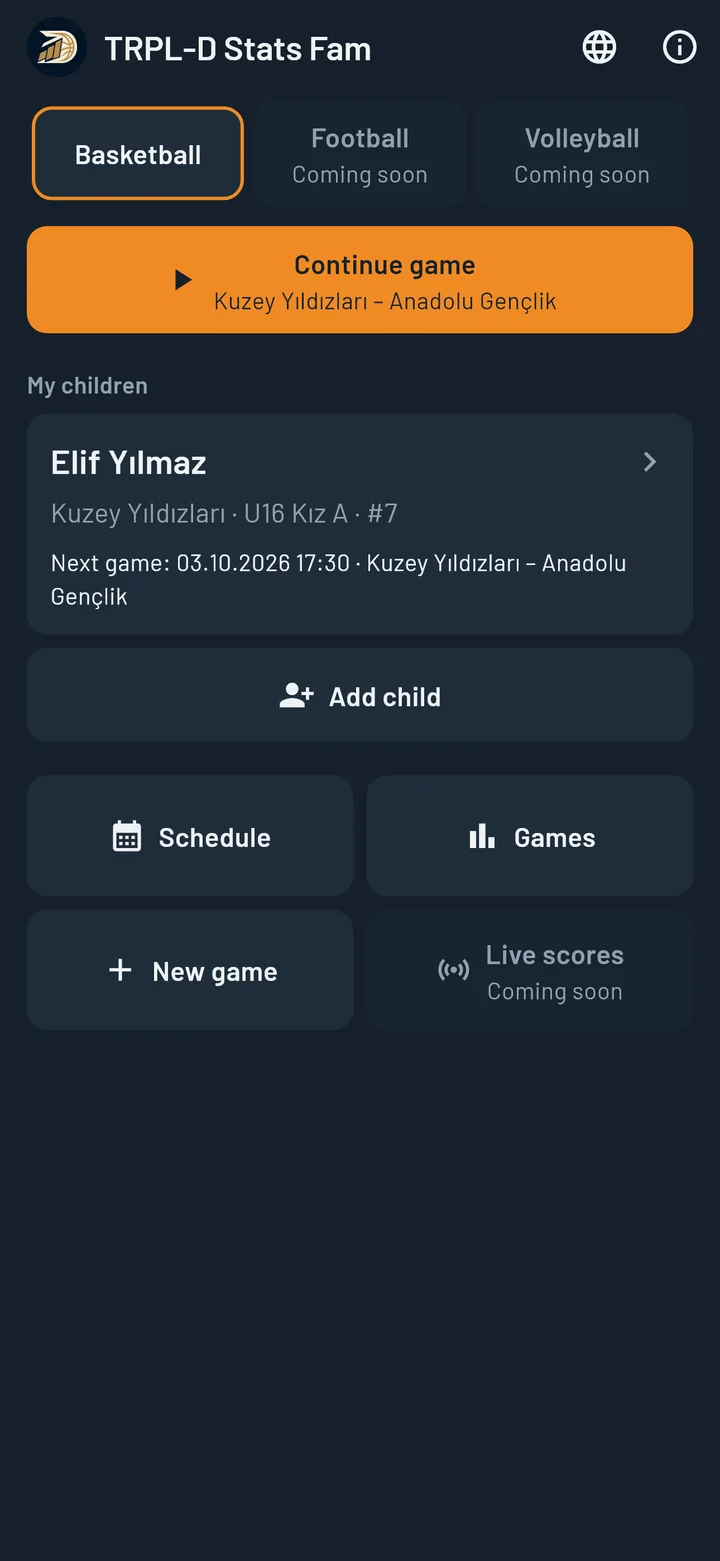
While your child is on the court, record from the stands in one tap. After the game, see how many points they scored, where from, and how they have grown since last month.
- The Standard plan is free: 1 child; 2 games a month on Android, 1 game a month on iPhone.
- Every stat is one tap; no confirmation dialogs.
- Shot chart and game-by-game development.
- The whole season in one file: the scouting report.
Video
See TRPL-D Stats Fam in action.
Why
One game record does three jobs.
Pride and memories
The first three-pointer, the best game, the season in summary: kept with the date and the numbers. Years later, when they ask “how many did I score that day?”, you will have the answer.
Seeing the progress
“Are they better than last month?” gets an answer in numbers. Example: scoring average up from 8 to 11 over the last 5 games; shooting percentage drops in away games.
Opening doors for your child
Do not go to a tryout, an academy meeting or a transfer talk empty-handed. Take the scouting report that puts the season into a single PDF.
Game day
Forty minutes in the stands.
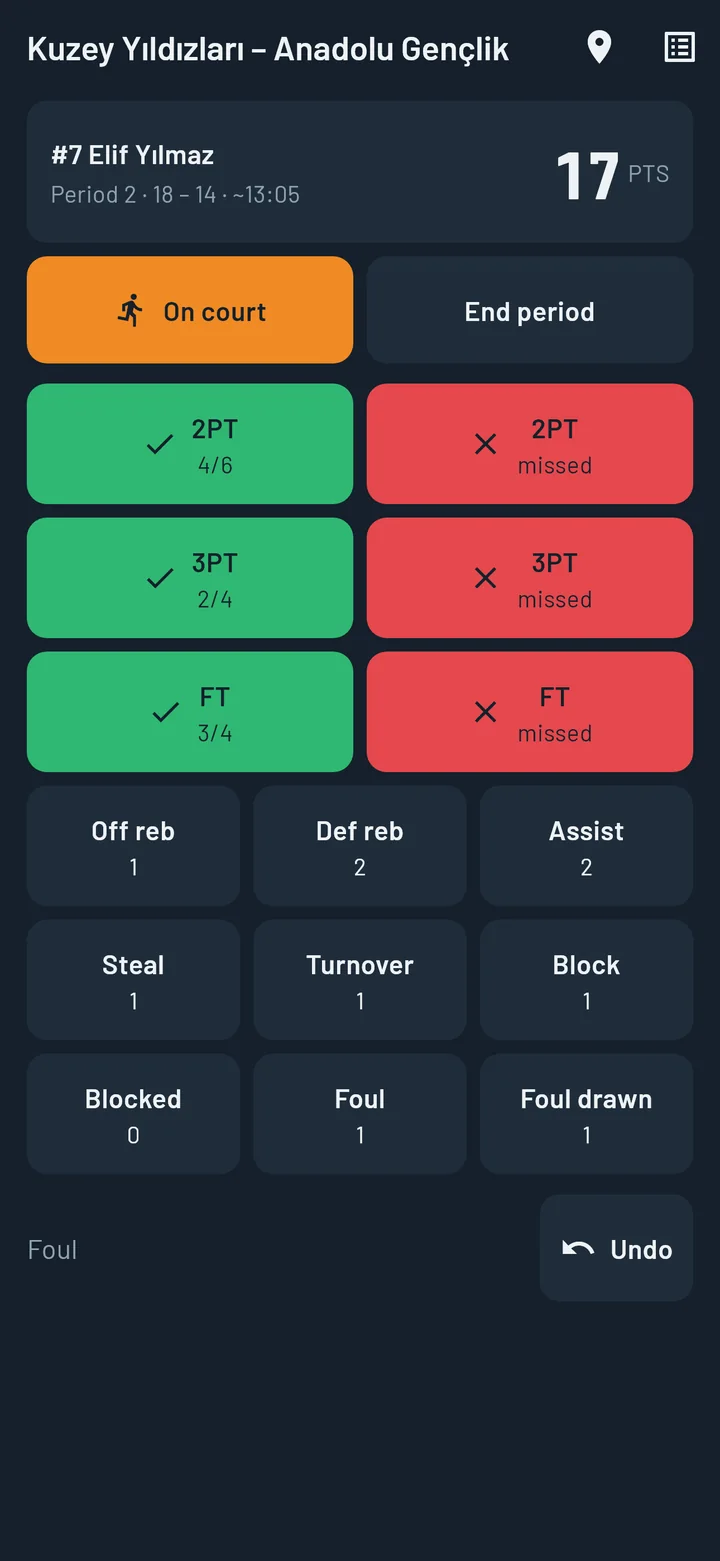
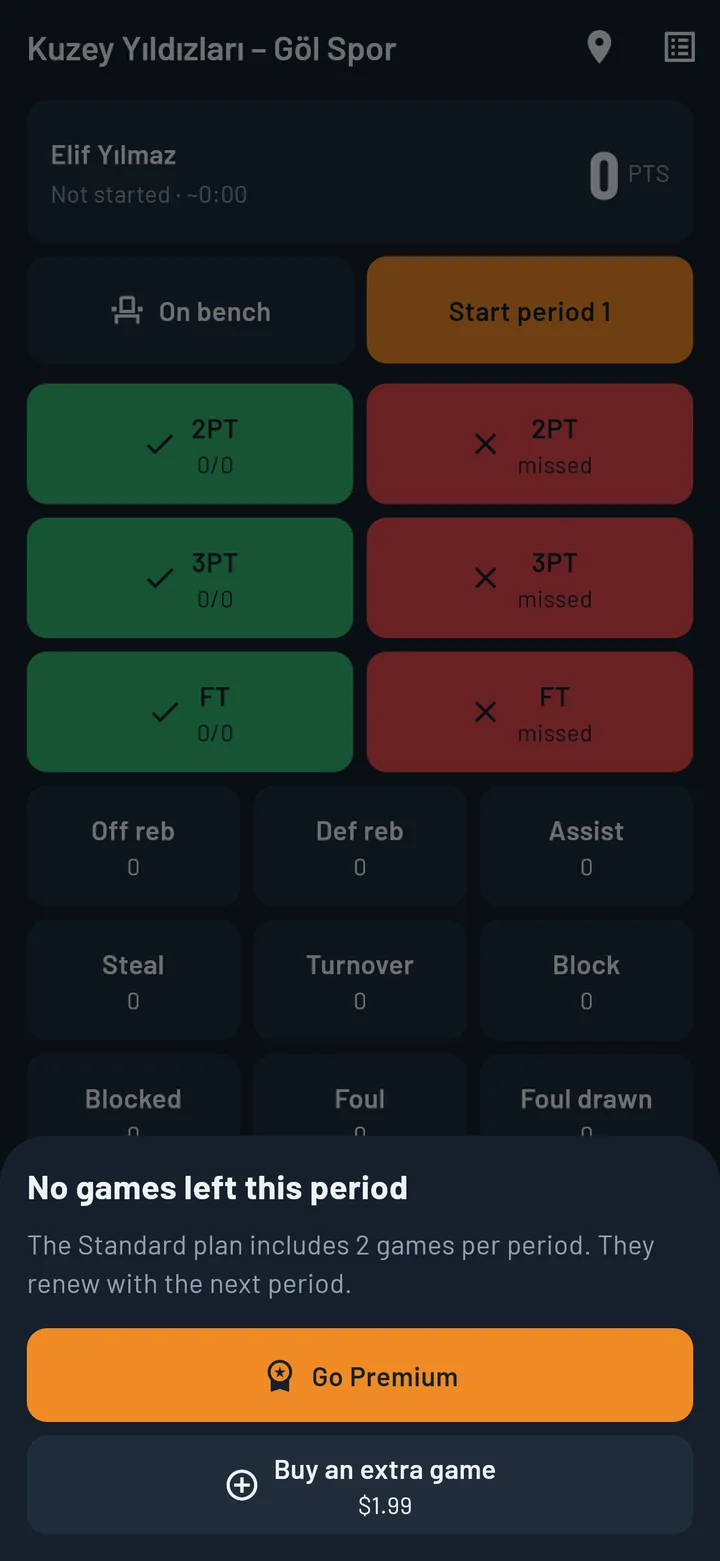
Your eyes stay on the game. When your child does something, you tap the screen once.
- One tap: 2 points, 3 points, free throw (made or missed), offensive and defensive rebound, assist, steal, turnover, block, foul.
- Undo: if you tapped the wrong thing, fix it in one tap. No confirmation dialogs.
- On bench / On court: tap “On bench” when your child comes off and “On court” when they go back in; playing time is estimated from this.
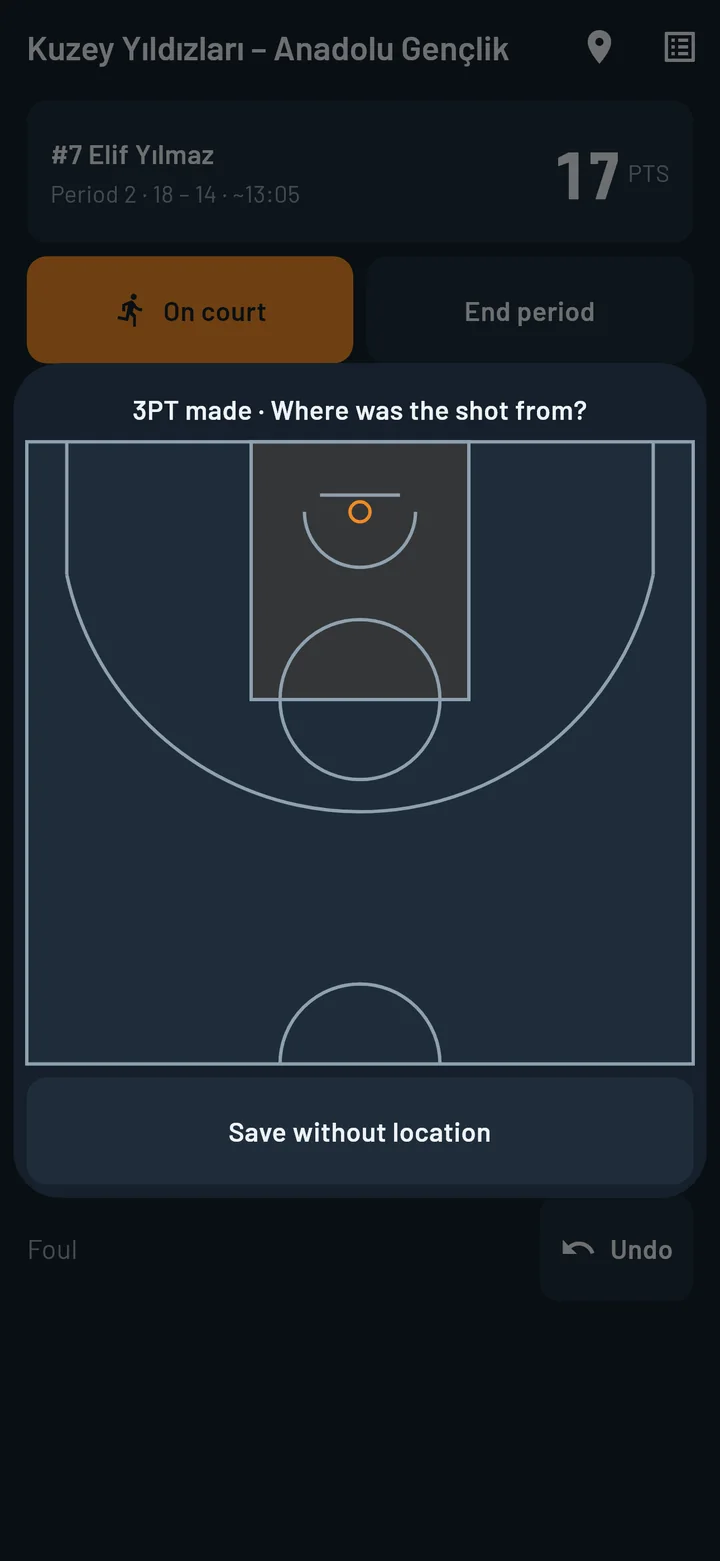
- Shot location: tap the spot on the court where the shot was taken.
- End of quarter: enter the score and carry on.
You can load the fixture list from an Excel or CSV file or add a game by hand; your child’s game opens in one tap.
How it works
Step-by-step tutorial videos.
Short videos that walk through the app topic by topic: watch, pause and do the same step in the app.
After the game
Ready at the final whistle.
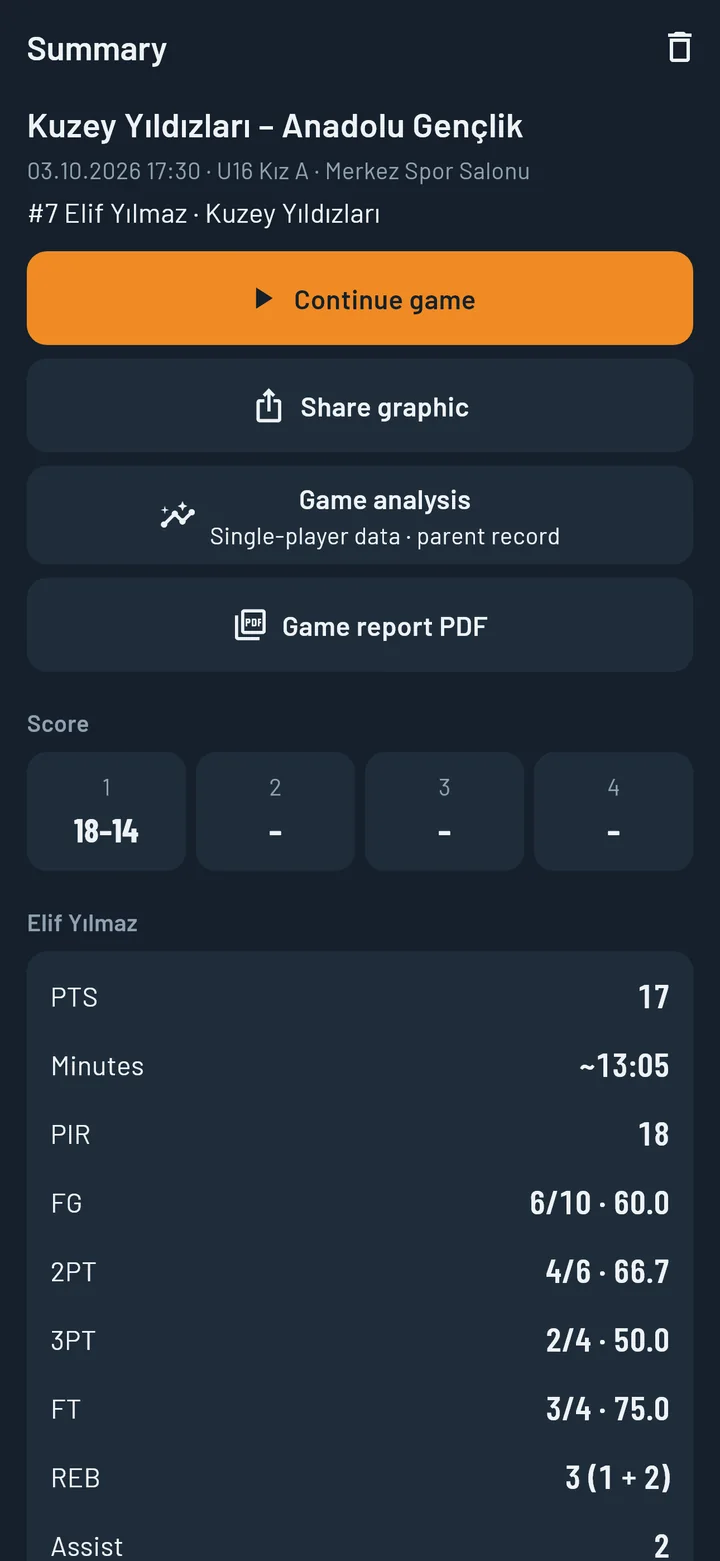
Game summary
Points, rebounds, assists, shooting percentages, efficiency rating, estimated minutes and quarter scores on one screen.
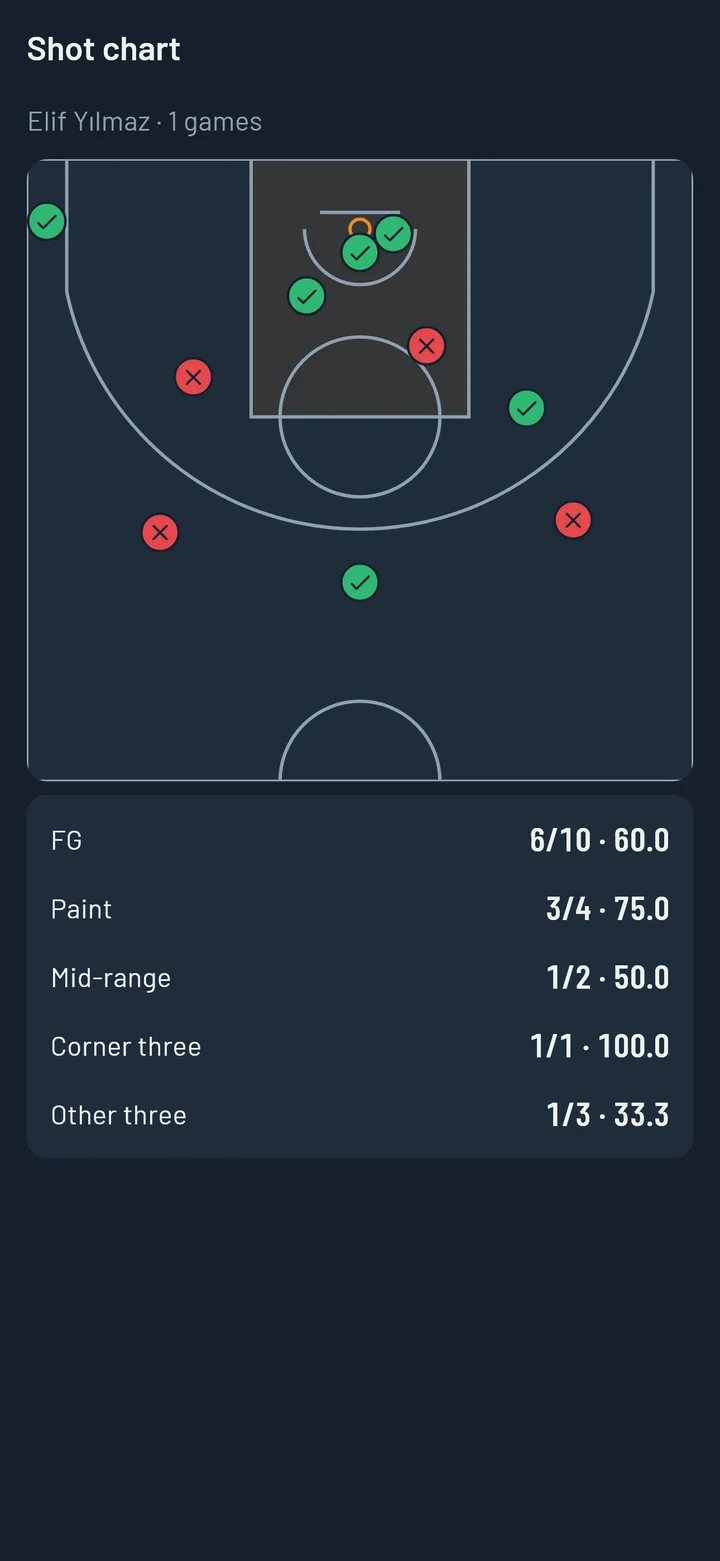
Shot chart
Makes and misses on the court, with percentages for the paint, mid-range, corner threes and other threes. One game or all games.
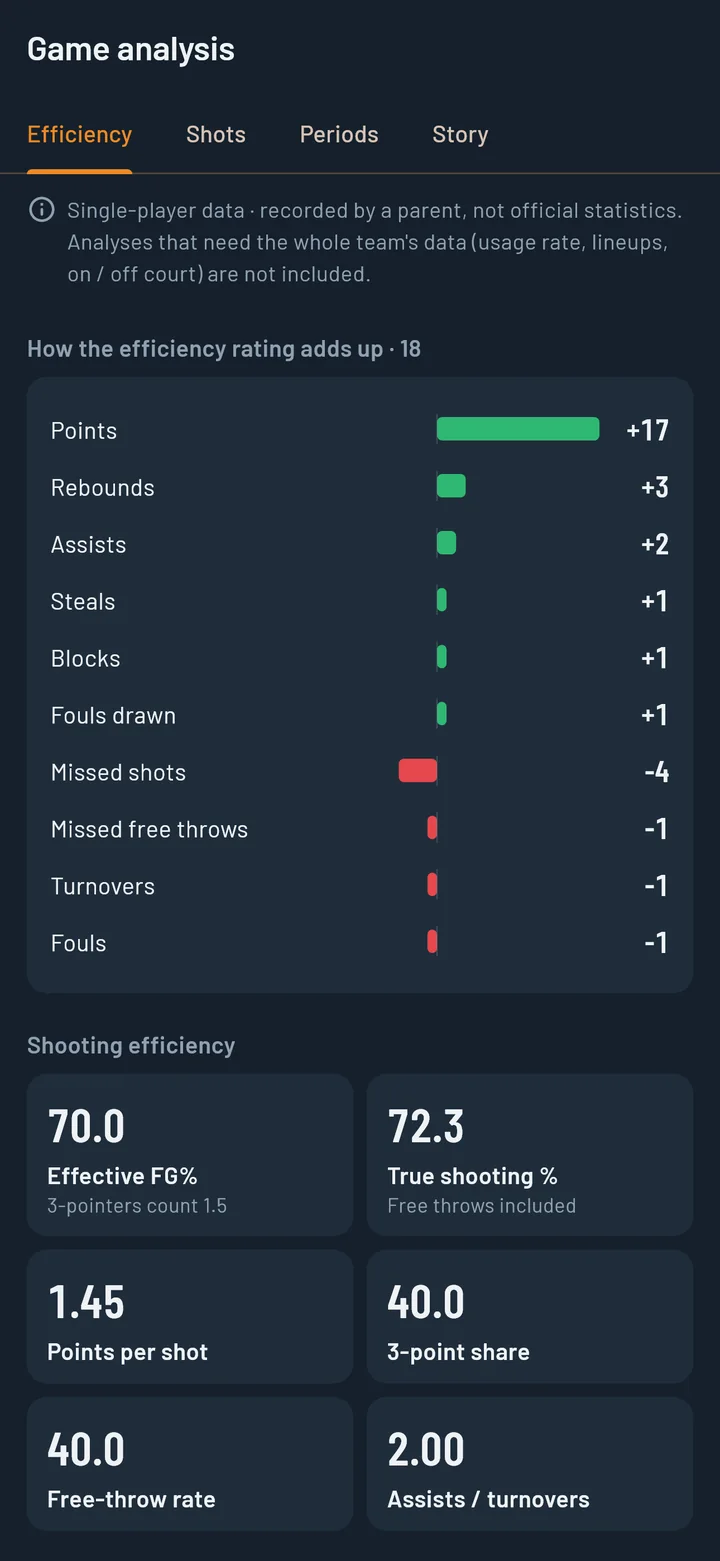
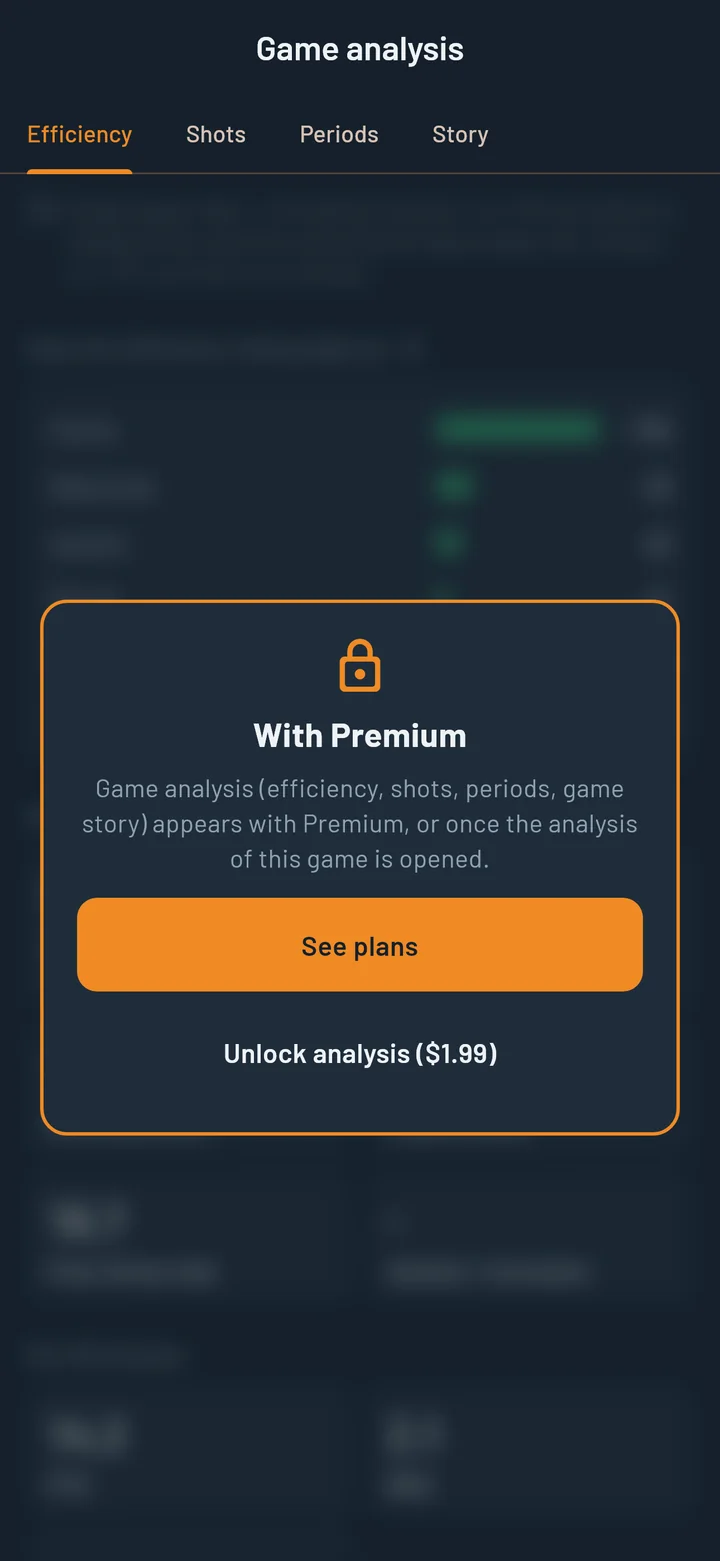
Game analysis
Which pluses and minuses made up the efficiency rating, how many points each shot brought, what happened period by period, what share of the team’s points they scored, and their longest streak of makes. The points-through-the-game graph is here too.
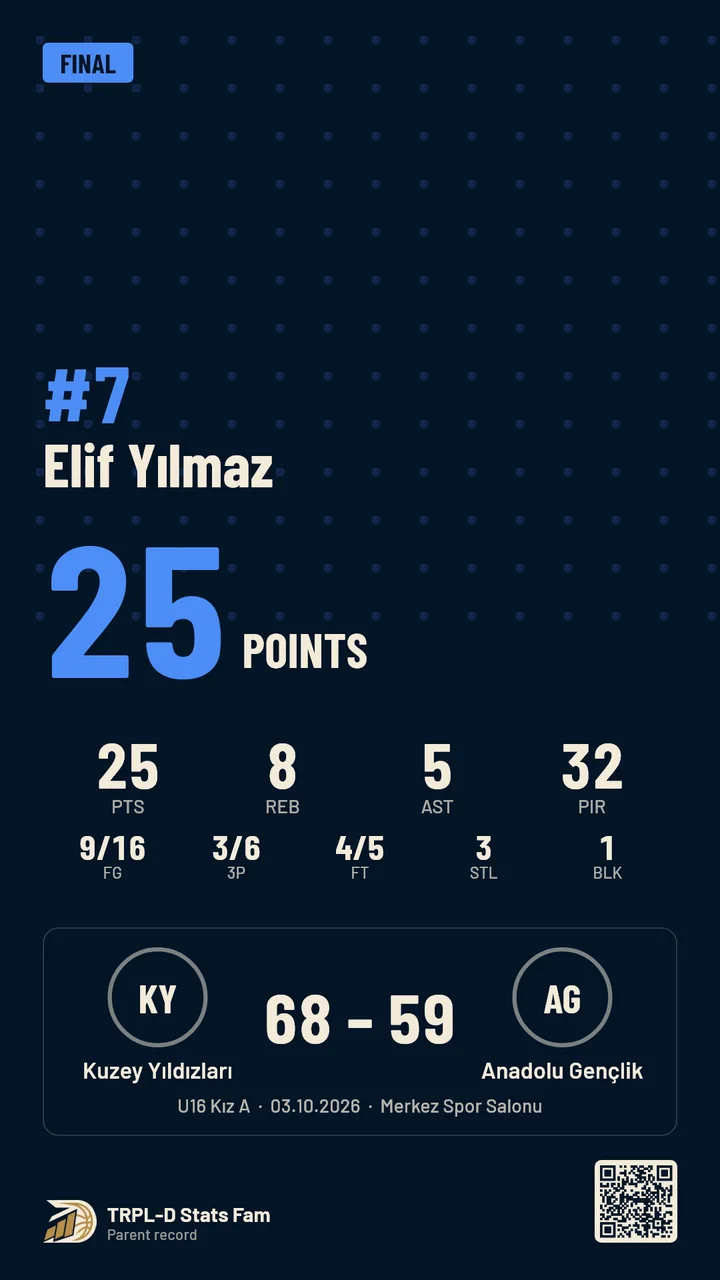
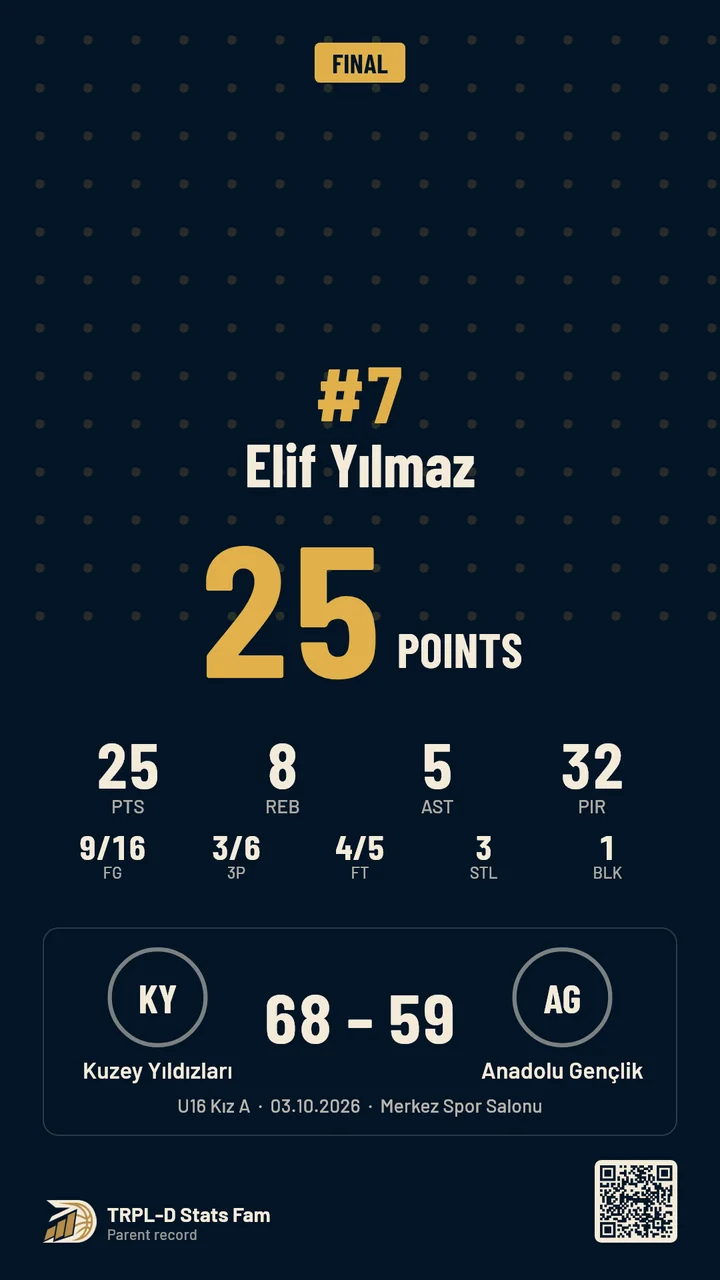
Post-game card
Another design (Premium)
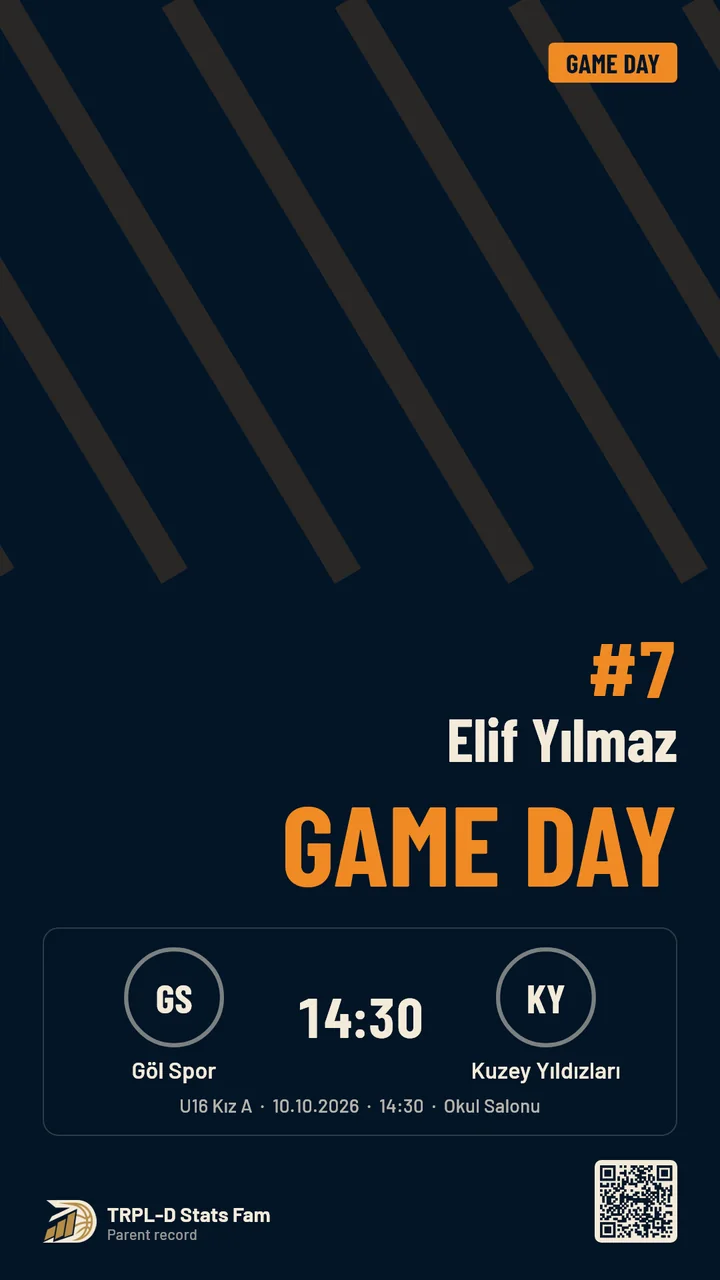
Game-day graphic (Premium)
Game review
A short written summary produced from the numbers. It follows fixed rules; it is not AI.
Share graphic
A post-game card with your child’s photo and the team logos, in story or post size. Premium adds more designs and a game-day graphic.
A poster with your own AI app
There is no AI inside the app. If you like, it prepares a ready poster brief, the photo and the logos for you to send to the AI app you already use.
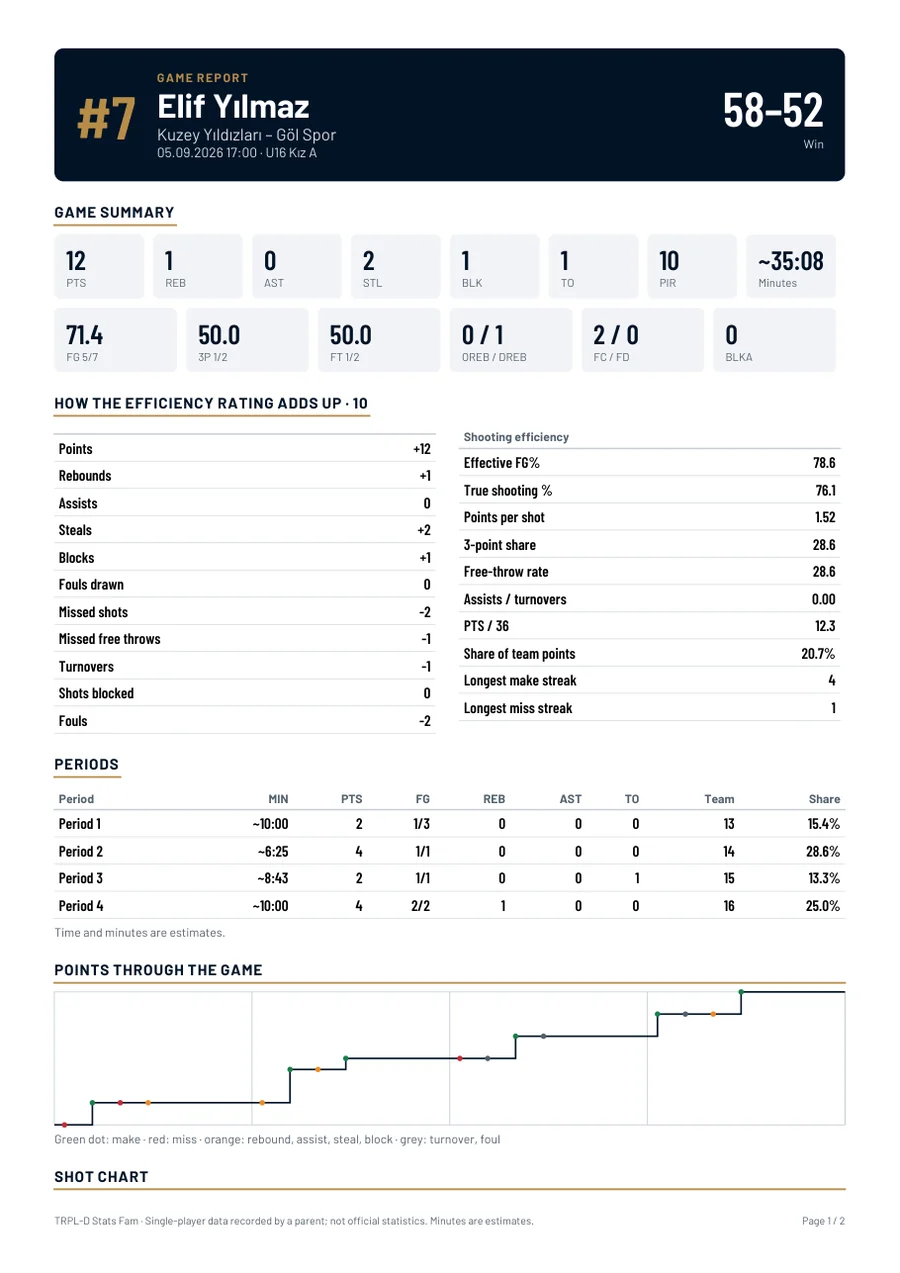
New · Game report
One game, one PDF.
All the numbers from a game in a single file you can keep or share.
- Game summary: points, rebounds, assists, percentages, efficiency rating.
- How the rating was built: pluses and minuses, one by one.
- Periods: what happened quarter by quarter.
- Points through the game: a graph from tip-off to the final whistle.
- Shot chart: makes and misses, with a table by zone.
In Premium for every game. In Standard, for a game you unlock with a one-time purchase.
Through the season
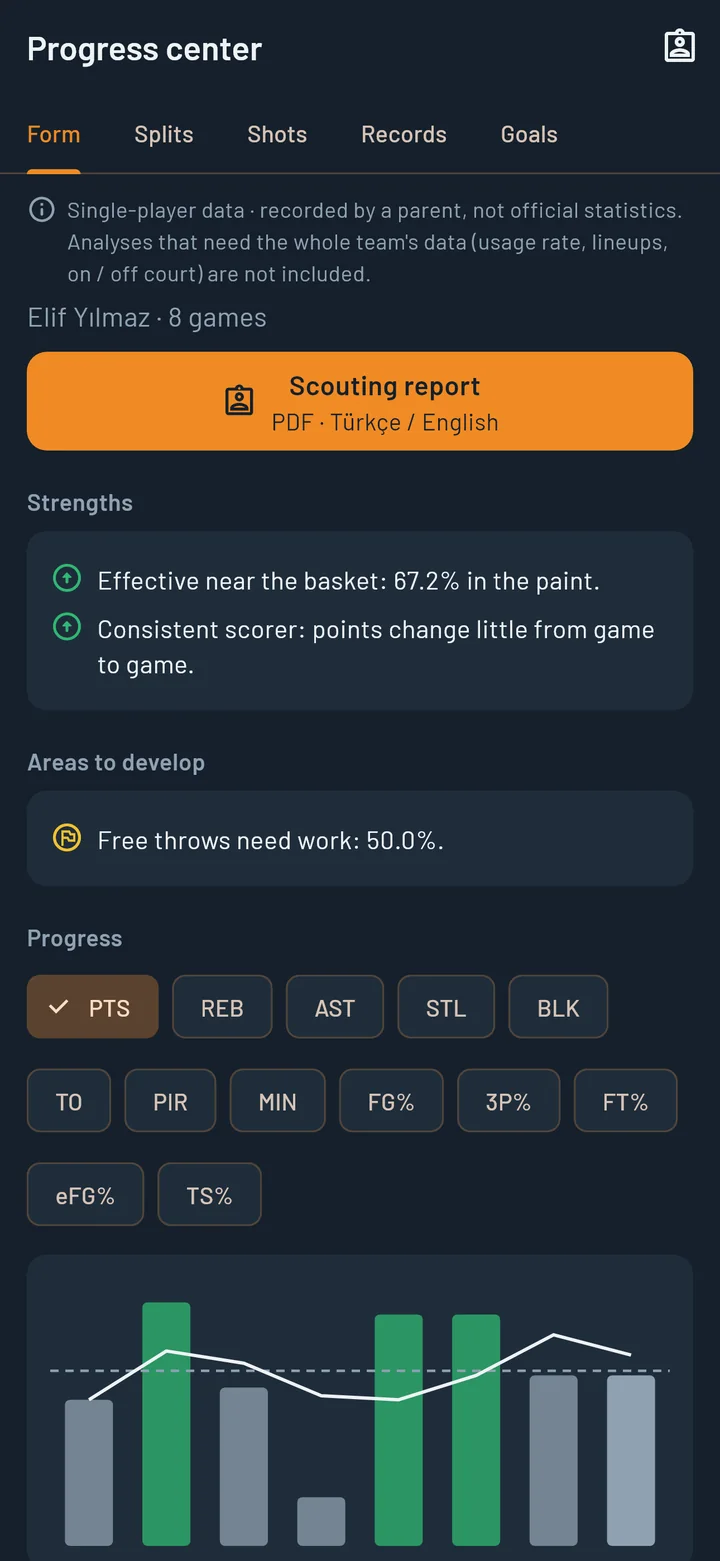
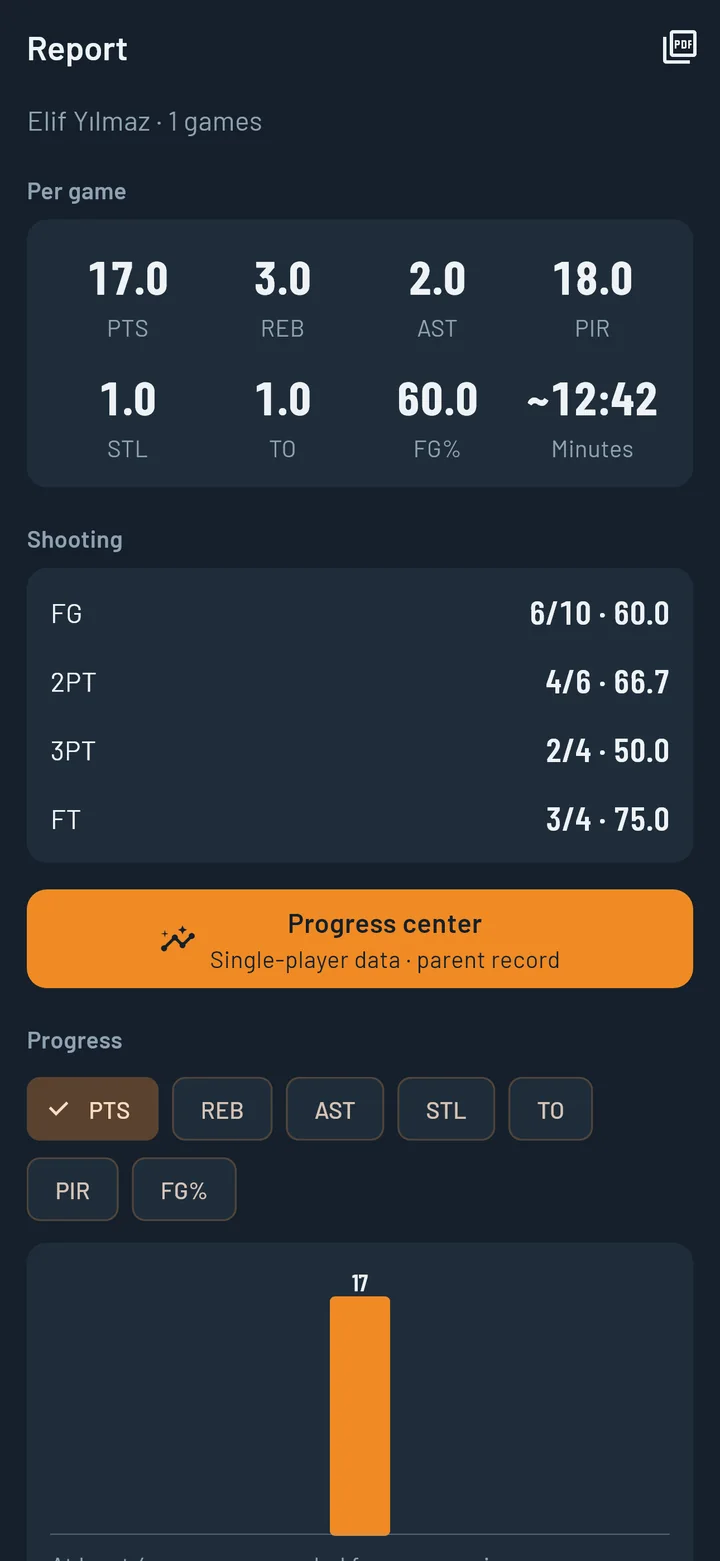
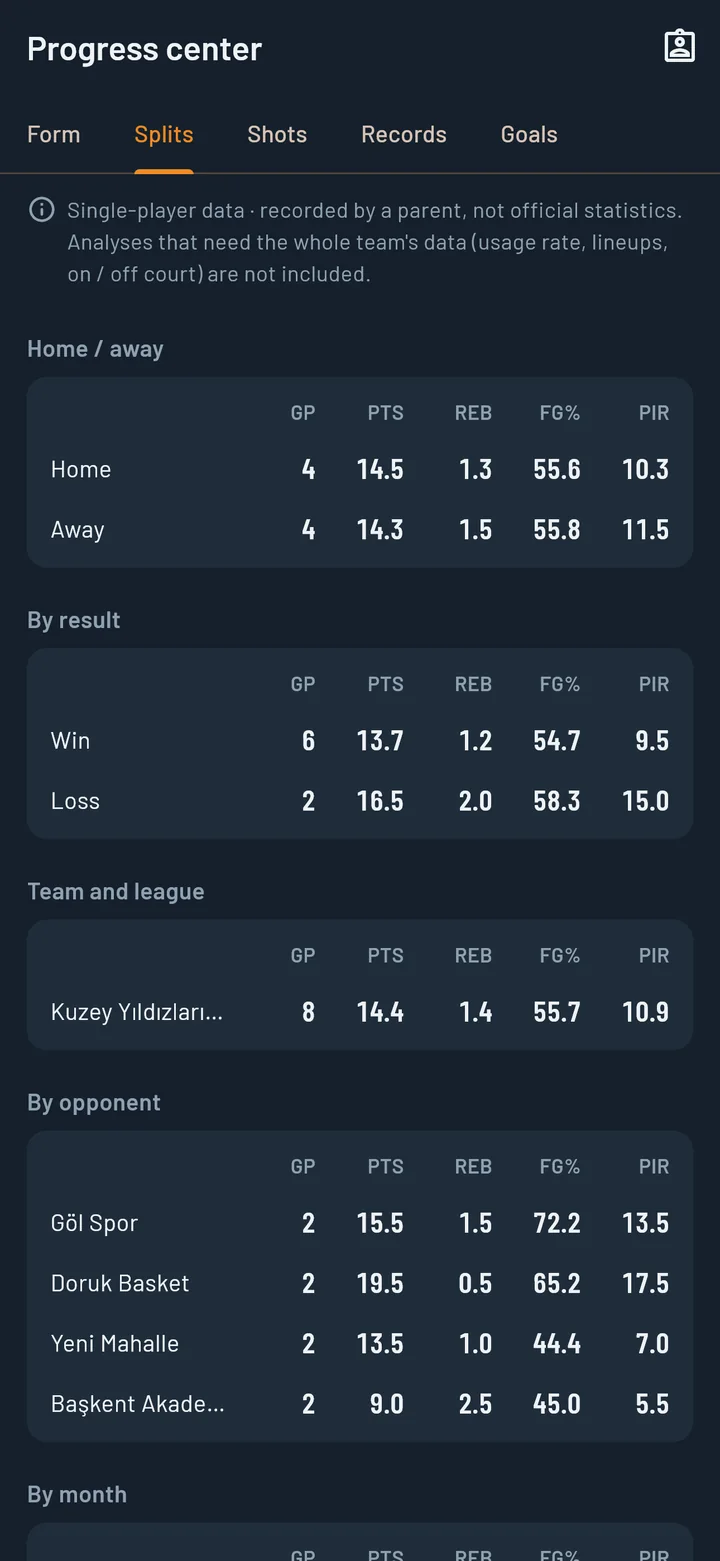
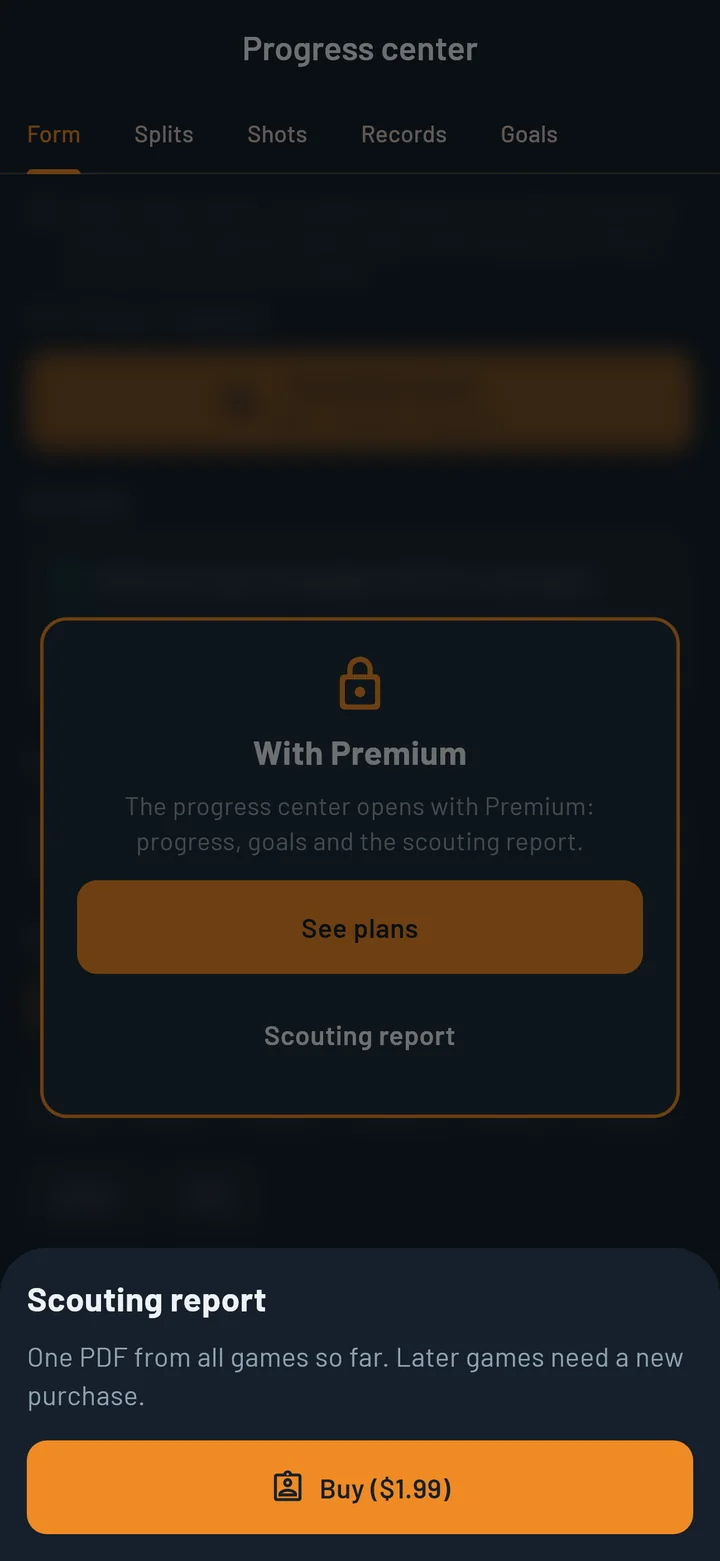
Progress center: "How are they doing compared with last month?"
As games add up, single numbers turn into a picture. Example: 14.5 points at home, 14.3 away; a lower shooting percentage in wins.
All analysis is calculated only from your own child’s data. Comparisons that would need the whole team’s data (such as comparing with teammates) are therefore not available.
Form
Game-by-game charts for 13 measures; average, lowest, highest and consistency. Recent games are compared with earlier ones.
Strengths and areas to improve
Drawn from the data once there are enough games. Example: “Effective near the basket”, “Free throws need work”.
Splits
Home and away, wins and losses, opponent, team and league, month, period.
Season shot chart
Every shot of the season on one court; the first half of the season compared with the second.
Records
Best games, number of double-doubles (double figures in two categories), double-figure streaks.
Goals
You set the goal (for example 12 points per game); the app shows where things stand based on recent games.
The progress center and the scouting report are available in Turkish and English.
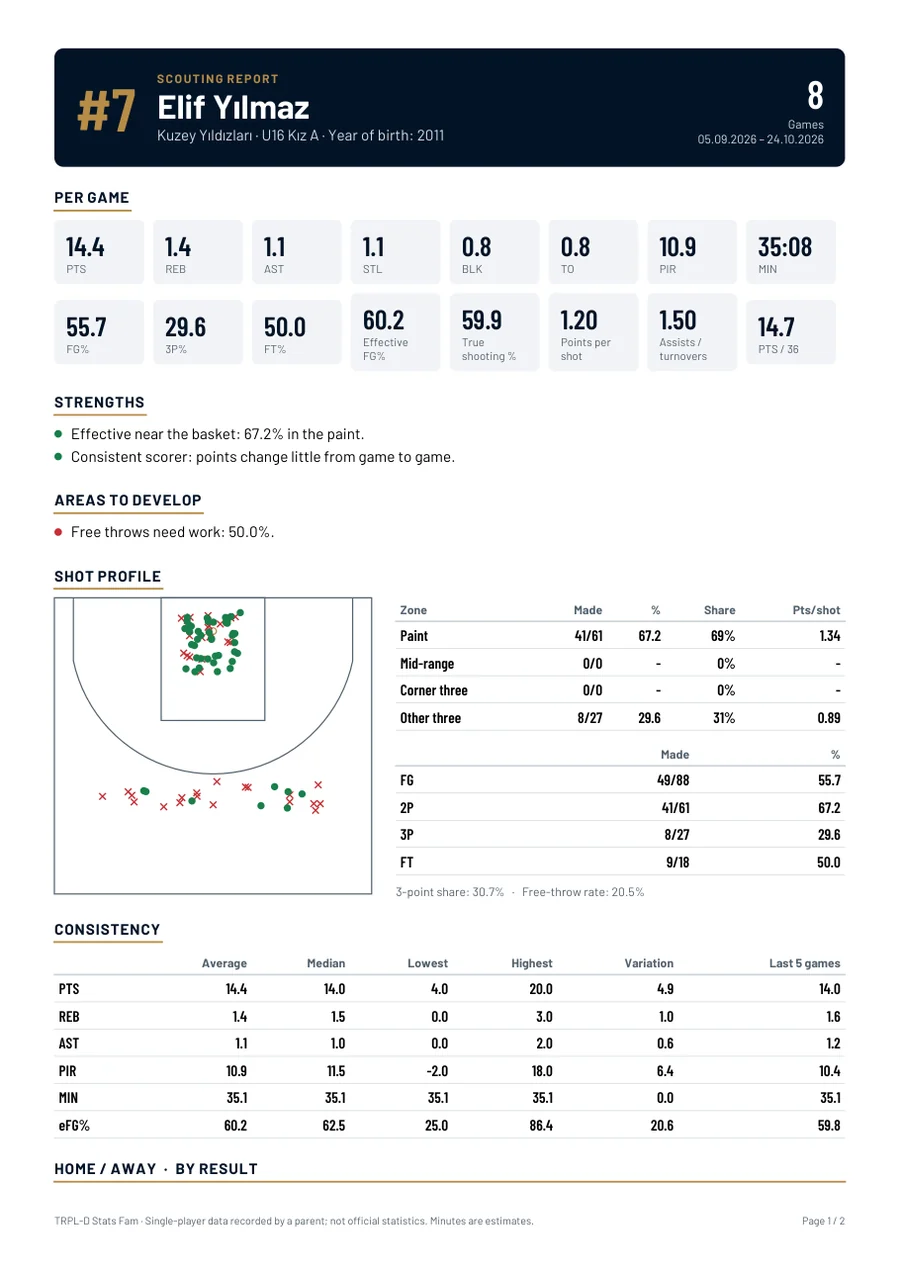
Scouting report
The season in one PDF, ready to take to a meeting.
When a coach asks “what kind of player are they?”, show it instead of describing it.
- What is in it: an identity header, per-game values, strengths and areas to improve, a shot chart and zone table, a consistency table, splits and a game log.
- When it helps: team tryouts, academy meetings, transfer talks, applying to a school or club abroad.
- Language: Turkish or English; you choose it independently of the app’s language.
- Your child’s photo is not included in the report.
The report comes from the record you kept. Every page carries the note “single-player data recorded by a parent”; it is not official statistics.
In Premium; Standard members can also buy it once. There is also a shorter progress report PDF with per-game averages, shooting and a progress chart.

Your child’s data
Nothing about your child leaves your phone.
- A parent account is required; it is requested after the first quarter of the first game. Your child’s name, photo, games and statistics do not leave your phone.
- On Android the Standard plan includes ads; Premium and the iPhone app have no ads. Nothing about your child is sent to the ad network. There is no analytics tool.
- The app connects to the server only for sign-in, account and subscription sync, game allowance and purchases. Data about your child is not sent over the internet; game entry works offline.
- Photos and logos are taken only when you choose them and stay on the phone. A graphic or report goes only to the app you choose, and only when you tap “Share”.
- The app is for parents; it is not designed for use by children.
You make the backup, the file stays with you
“Back up data” on the About screen puts everything (children, games, shots, logos, photos, goals) into one file and hands it to the phone’s share menu. Save it to cloud storage, your e-mail or wherever you like.
Moving to a new phone
On the new phone, “Restore a backup” loads the file. Restoring replaces the data currently on the phone.
No automatic backup
There is no automatic backup and no cloud backup. If you delete the app without a backup, the data is deleted too. As we do not hold your child’s data, we cannot bring it back.
If your child plays for two teams or has changed team, their history stays in place. Records are a parent’s record, not official statistics; playing time is an estimate.
Membership
Standard is free. Premium unlocks everything.
On the Standard plan you record 2 games a month on Android, or 1 on iPhone, for 1 child, with no subscription. A parent account is required; it is requested after the first quarter of the first game.
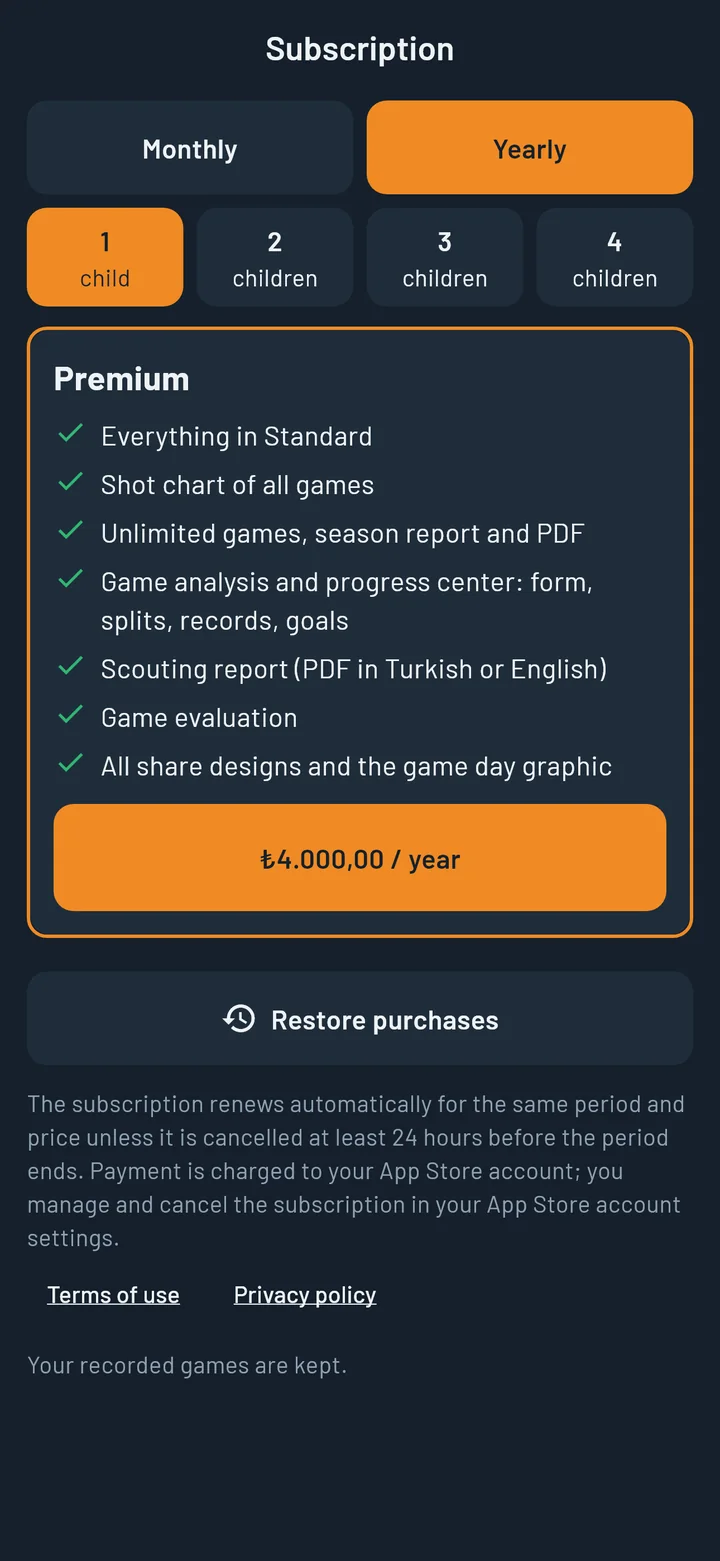
| Plan | Yearly | Monthly |
|---|---|---|
| Standard | Free | No subscription |
| Premium | 4,000 TL | 500 TL |
The Premium price is for 1 child; each additional child is half price. It is purchased through Google Play or the App Store. Store prices apply in other countries.
Everything is open in Premium.
- Unlimited games and a shot chart for every game.
- Game analysis and the progress center: form, splits, records, goals.
- Game review, game report PDF and season report.
- Scouting report in Turkish or English.
- All share card designs and the game-day graphic.
Monthly or yearly, for 1 to 4 children. Everything in the Standard plan is included.
Standard and Premium compared
| Feature | Standard | Premium |
|---|---|---|
| Children | 1 | 1 to 4 (by package) |
| Games | 2 a month on Android, 1 on iPhone | Unlimited |
| Ads | Ads on Android, none on iPhone | Ad-free |
| Game entry, undo | Yes | Yes |
| Fixture list (from a file or by hand) | Yes | Yes |
| Game summary and all games | Yes | Yes |
| Basic averages and shooting table | Yes | Yes |
| Basic share card | Yes | Yes |
| Shot location entry | Yes | Yes |
| Backup and restore | Yes | Yes |
| Shot chart | One-time purchase | Yes |
| Game review | One-time purchase | Yes |
| Game analysis | One-time purchase | Yes |
| Progress center (form, splits, records, goals) | — | Yes |
| Scouting report (Turkish / English PDF) | One-time purchase | Yes |
| Game report PDF | One-time purchase | Yes |
| Progress report PDF | — | Yes |
| All card designs, game-day graphic, sending to your AI app | — | Yes |
One-time purchase: opens for the game you choose; the scouting report covers all games so far. Unused free games do not carry over to the next month.
One-time purchases
Extra game
1 game allowance and full access to that game.
Unlock game analysis
Full access to a game you choose.
Scouting report
One PDF from all games so far.
For Standard members. 99.99 TL per product in Türkiye; store prices apply in other countries. Purchased allowances never expire; they are saved to your account and come back on a new phone.
Languages
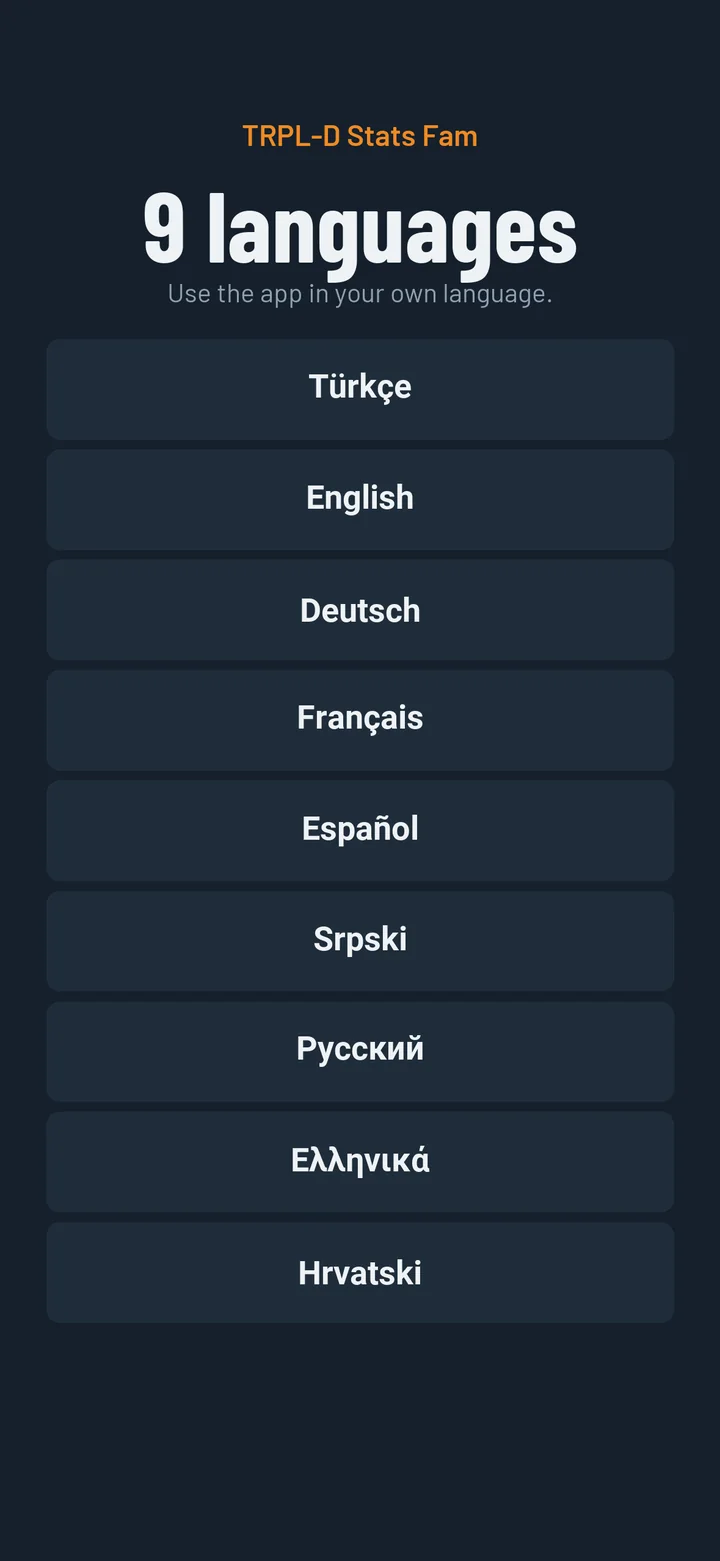
In nine languages.
Turkish and English in full. Core screens in German, French, Spanish, Serbian, Croatian, Russian and Greek.
The analysis screens and the scouting report are in Turkish and English.
FAQ
Questions people ask.
Where do I download the app?
From Google Play on Android. The iPhone version is coming soon to the App Store.
Does it work on iPhone?
The iPhone version is coming soon to the App Store.
Is it free?
The Standard plan is free: 1 child; 2 games a month with ads on Android, 1 game a month without ads on iPhone. For more, there are one-time products or Premium.
Do I need an account?
Yes, but not right away. You enter the first quarter of your first game without one, and create the account when you start the 2nd quarter. What you entered is kept, and that game counts as the first of your 2 monthly games.
What if I run out of games?
Your allowance renews every month on the day the account was opened. Or buy an extra game, or move to Premium. If you cannot make a purchase, you can enter the game as a pending game (one at a time); its summary, analysis and sharing open when an allowance is available.
Will I lose what I bought?
No. Purchased allowances never expire; they are saved to your account and come back on a new phone. If you delete the account, unused allowances are deleted too.
How many phones can I use?
An account can be used on at most two phones at a time.
What happens when Premium ends?
You return to the Standard plan. Games and children stay on your phone; full access continues only for unlocked games and games entered with an extra allowance, and no new child can be added.
Do I need an internet connection?
Not for entering games. The internet is used only for sign-in, account and subscription sync, game allowance and purchases.
Which languages?
Nine. Turkish and English in full; core screens in German, French, Spanish, Serbian, Croatian, Russian and Greek. The analysis screens and the scouting report are in Turkish and English.
Where is my child's information stored?
Only on your phone. It is not sent to us.
What is the scouting report and who is it for?
It puts your child’s season into a single PDF: averages, strengths and areas to improve, shot chart, game log. You can hand it to a coach at tryouts, academy meetings and transfer talks. It is based on a parent’s record; it is not official statistics.
Does the analysis compare my child with teammates?
No. The app holds only your own child’s data; comparisons that need the whole team’s data cannot be made.
Is there AI in the app?
No. The game review is written by fixed rules. If you like, the app prepares a poster brief for you to send to the AI app you already use; whether you send it is up to you.
What if I change my phone?
Use “Back up data” on the old phone to get the file, then “Restore a backup” on the new one.
What happens if I never back up?
The data lives only on your phone. If you delete the app or lose the phone without a backup, the data is gone; there is no automatic or cloud backup.
I have more than one child.
Standard covers 1 child. Premium covers up to 4 children, depending on the package; each additional child is half price.
What if my child changes team?
Use “Transfer” to add the new team; earlier games stay where they are. If they play for two teams at once, both are kept.
Are these numbers official?
No. They are a parent’s record and do not replace the club’s or the league’s official statistics. Playing time is an estimate.
Our club uses TRPL-D Stats; do I need Fam?
They are separate apps. The club records the whole team; Fam records only your child, on your phone.
Ready to record their first game?
Download it from Google Play and record your first game for free. The iPhone version is coming soon.